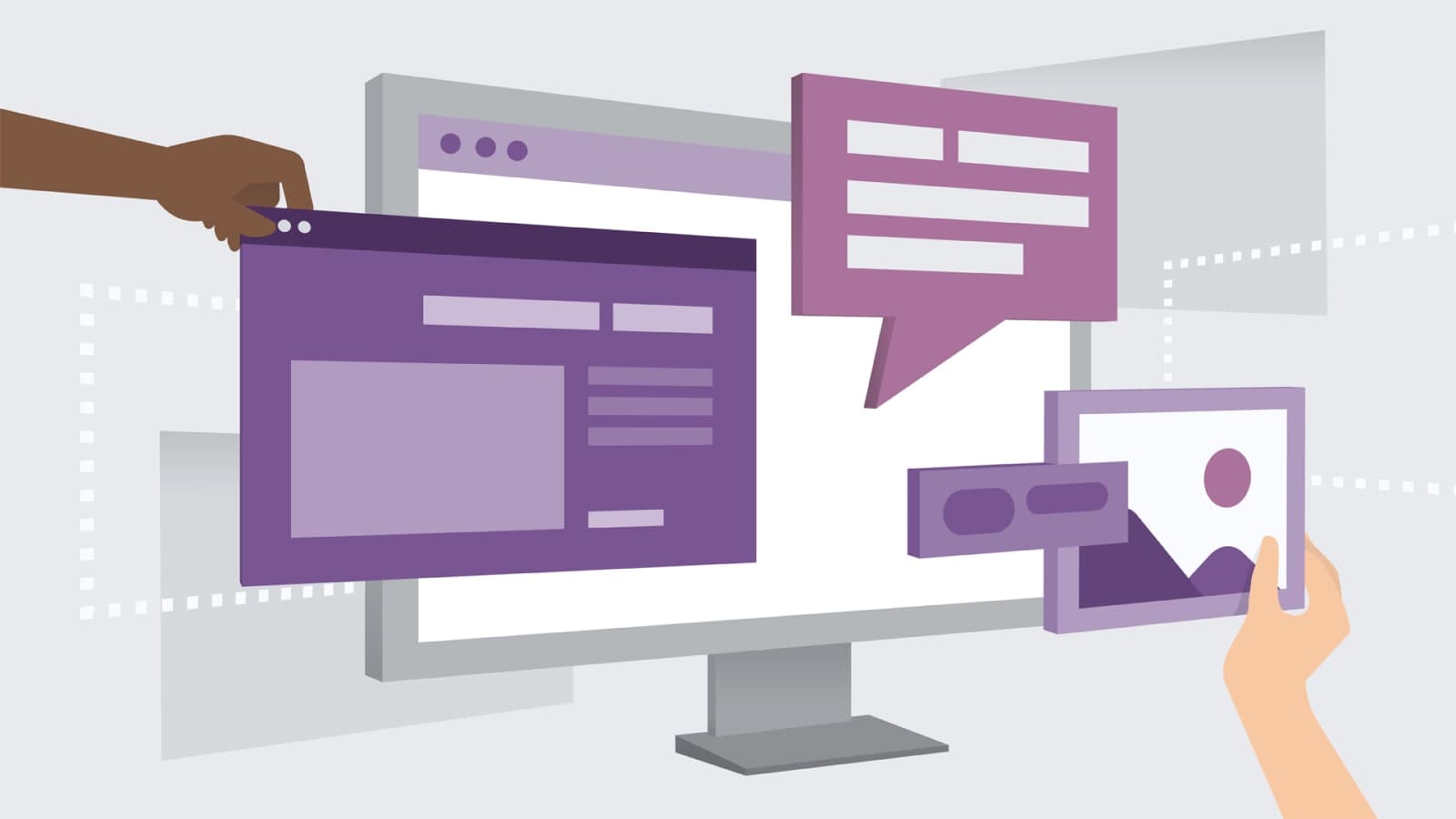
Most of what people do online now happens inside a web application. Shopping carts, social feeds, the spreadsheet a team edits together while three of them are on a call about it. These are not pages you read. They are programs you use. They happen to run in a browser tab. What follows is what a web application is, what it gives a business and the people using it, and what has to go right for one to feel interactive and easy rather than merely functional. Whether you build them, commission them, or only wonder why some are a pleasure and others an ordeal, the difference comes from the same short list of decisions.
What a Web Application Actually Is
A web application is a program that runs on a server and is reached through a browser. A static website shows the same thing to everyone who arrives. An application lets people carry out tasks, work with content that changes under them, and store and retrieve data that belongs to them specifically. The front end is built with HTML, CSS and JavaScript, and behind it sits a server-side language such as PHP, Python or Ruby handling the logic and the database. That is the whole architecture in a sentence. Everything interesting comes from what gets built on top of it.
Because the application knows who is using it, it can adapt to them. Recommendations drawn from past behavior, content ordered around stated interests, settings that survive between sessions: personalization of this kind makes software feel as though it belongs to one person rather than to everybody at once. The effect is out of proportion to the effort. Accessibility deserves the same attention and usually gets a fraction of it. An application that works with a screen reader, can be driven from the keyboard alone, and describes its images properly is usable by people who would otherwise be shut out of it entirely. Those standards are worth meeting on their own terms. Do it early. They also improve the experience for everyone else, which is the part teams tend to discover only after they have done the work.
Social integration is the third piece and the easiest to ruin by overdoing. Letting people share what they are working on, connect with others, and bring in networks they already have turns a solitary tool into something with a community attached. The content those users create becomes part of what pulls the next person in.
The practical advantages start with reach. Anything with a browser and a connection can open the application, which means no installation, no app store, and no copy of the software stranded on a laptop nobody has opened in a long time. The same application runs across different operating systems and devices: desktops, laptops, tablets, phones. No separate build for each. Scaling is more straightforward than it is with distributed software, because the capacity sits on the server side and grows with demand. Data management is centralized for the same reason, which makes retrieval and analysis far simpler than chasing records across a thousand individual machines, and an analyst who wants to know what happened last Tuesday can find out without asking anybody to export anything. Everything is served live, so updates, notifications and new content reach people the moment they exist. Nobody downloads anything. No versions to chase.
What Has to Go Right
Good ones start from the user. That sounds like a slogan until you watch a team skip it and ship anyway. Research, wireframes and prototypes are how you find out what an audience actually needs before anyone commits to an interface. Skip it and you get an application that is beautiful and unusable at the same time. Design for responsiveness from the first sketch, because a large share of the traffic will arrive on a phone and a layout that only holds together at desktop width will fail most of the people who try it, which is a strange way to spend a design budget. Navigation needs the same care: a sensible information architecture, clear menus, breadcrumbs where the hierarchy runs deep, and a search box that returns things. Then watch people use it.
Interactivity is what separates an application from a document. Animation, transitions and content that responds to input tell a person what just happened. That is the real job of feedback. Memorability is a side effect. All of it rests on performance. Caching, optimized code and compressed images keep load times short, and an interface that hesitates will lose a user regardless of how considered the design behind it was. Two more things round it out. Security has to be built in rather than added after a scare. That means proper authentication, encrypted data and regular audits. An application holding user data is holding a liability alongside it. And the work does not finish at launch: user testing, collected feedback and analytics keep showing where people get stuck, and iterating on that is the difference between an application that improves over years and one that quietly drifts.
The familiar examples make the case better than any list of principles. Google Docs puts several people in one document at the same time, in a browser, with the changes appearing as they are typed. Trello does something similar for project work, using drag-and-drop cards, interactive boards and task tracking to make the state of a project visible at a glance, which is most of what a project manager used to do by hand. Airbnb shows how much complexity a well-built interface can absorb, letting people search, book and review accommodation worldwide without the process ever feeling heavy. Spotify layers personalization on the same foundations, with playlists and recommendations built around listening habits and sharing features that make the whole thing social. None of that is accidental.
What those four have in common is groundwork. Design built around the user, layouts that hold up on any screen, navigation nobody has to think about, and performance that keeps pace with the interaction. Add sustained testing and a serious approach to security and you have something people come back to without being reminded. Web applications have changed how businesses reach people across retail, media, productivity and most other industries, and as browsers absorb more of what used to require installed software, the distance between a web application and a native one keeps closing, quietly, one browser release at a time. Villaex Technologies builds interactive, user-friendly web applications for companies whose online presence needs to do more than sit there. Tell us what you are trying to build.
Building something like this?
Tell us what runs today and where it hurts. An engineer reads it and replies.