Visit Boise
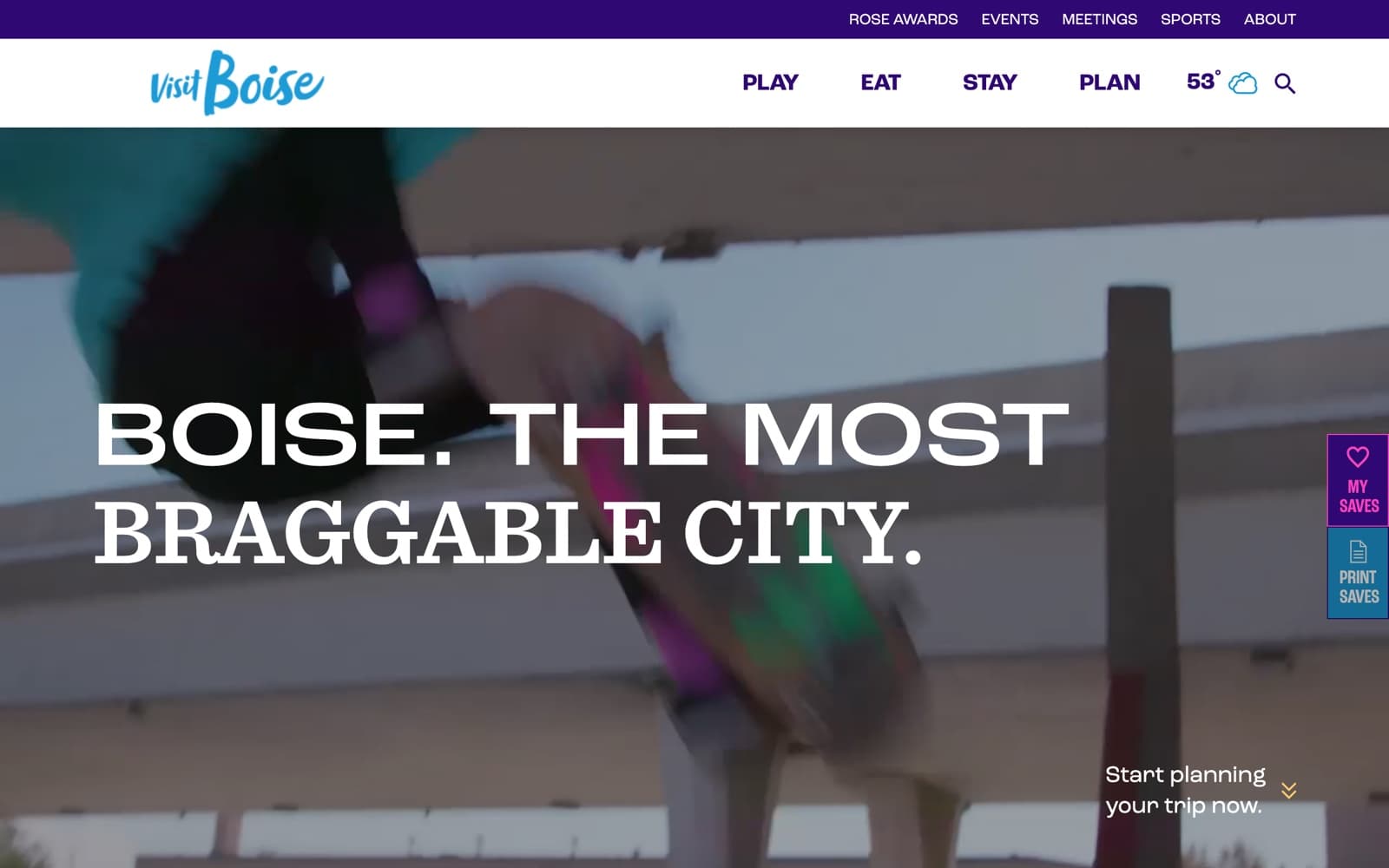
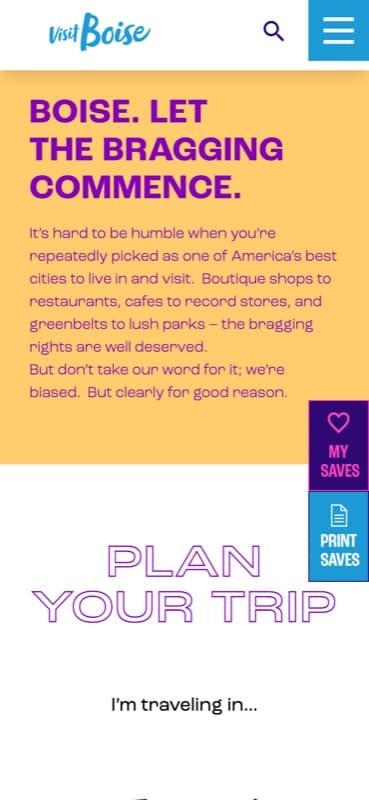
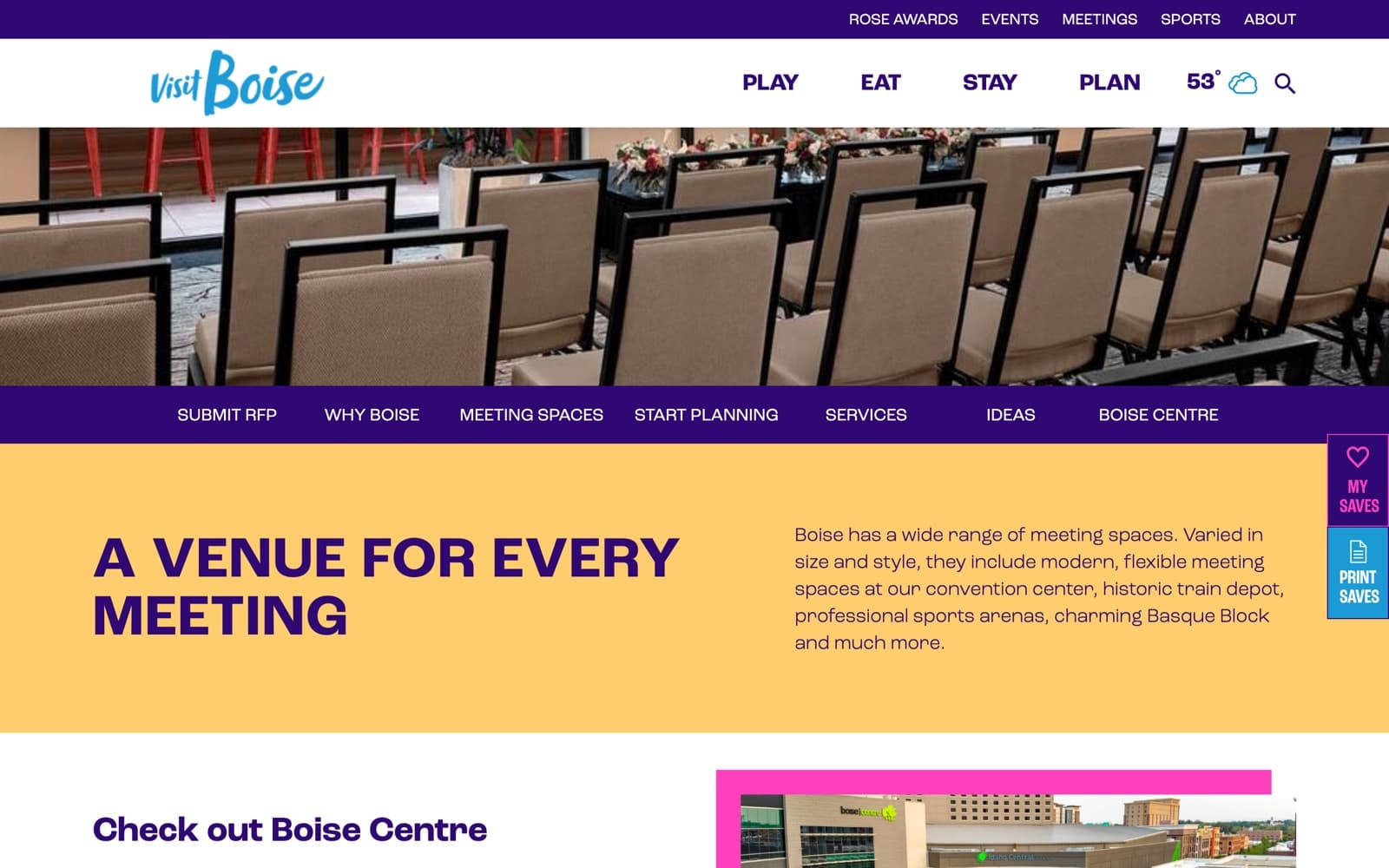
The tourism site for Boise, Idaho: where to eat, stay and play, what is on in the city, and which venues can host a conference.
What they came with
A destination site has to answer two different questions out of the same inventory: where a visitor should eat and sleep, and which rooms a meeting planner can actually book. Every restaurant, hotel and venue has to stay current in both readings, and keeping addresses, hours and photographs right by hand is work nobody has time for. The calendar depends on organisers across the city sending things in, which means events arrive as email rather than as records. And a visitor building a shortlist for a weekend will drop it rather than make an account to keep it.
What the build had to do
Two records for one venue
A restaurant that also rents a private room exists twice: once in the food directory and once in the meeting finder, on separate post types with different fields and different detail pages. The saved-items page carries that split all the way through, keeping favourite places and meeting places as two lists.
Venue cards with no fixed fields
Each card prints only the measurements that venue actually has, so a restaurant shows private rooms and seated capacity, a hotel shows meeting rooms and largest room in square feet, and a sports complex shows fields and sports played. One template holds a row for every possible measure, drops the empty ones, and still lines up beside cards of a different shape.
Listings assembled from Google Places
Directory photography comes from the Google Places photo endpoint and the business categories carry Google's own slugs alongside hand-made ones, with reviews and a star-rating filter over the same data. Pulling a third party's taxonomy into your own is most of the work in a directory that size.
Event submissions from the public
Anyone can add an event through a form on the site, and the theme narrows the calendar's repeat options to the ones the team can support. Submitters also pick a venue from one shared location list or add to it, so the vocabulary of places grows with every submission and has to be kept in order.
Saved lists with no account
Save buttons on events, blog posts, places and meeting venues write ids into the browser, and the favourites page rebuilds four separate lists from them. Events are handled differently from the rest: the page ships the whole catalogue as markup, then removes every row the browser has not saved.
Technical detail
Two records, one venue
A hotel is both somewhere to stay and somewhere to hold a conference, and the two roles want different fields. They stay as separate records joined by a relationship field, so capacities and floor plans sit on the meetings profile without dragging that schema through the visitor directory.
Filters read an index, not meta
FacetWP maintains its own index of listing fields, so changing a filter reads that index rather than running meta queries across the whole directory. The trade is that the index has to be rebuilt after a bulk import or a field change, so every import ends with a re-index step.
Google Places as a sync source
Listing details are pulled from the Places API on a scheduled job and stored in post meta, so a page render never waits on a third-party call and a quota problem degrades to stale data rather than an empty card. Editor-entered values win over fetched ones, so a manual correction survives the next run.
Saved lists without accounts
The trip planner keeps saved venues in the browser instead of behind a login, so there is no user table, no password reset and no personal data held. The cost is plain: the list belongs to that browser and does not follow the visitor to another device.
The stack
CMS
Frontend
Integrations
Platform
- Sector
- Destination marketing
- Audience
- Visitors, meeting and sports planners
- Shape
- Directories, events calendar, trip planner
- Platform
- WordPress, FacetWP, Modern Events Calendar
Something like this to build?
Tell us what runs today and where it hurts. An engineer reads it and replies.